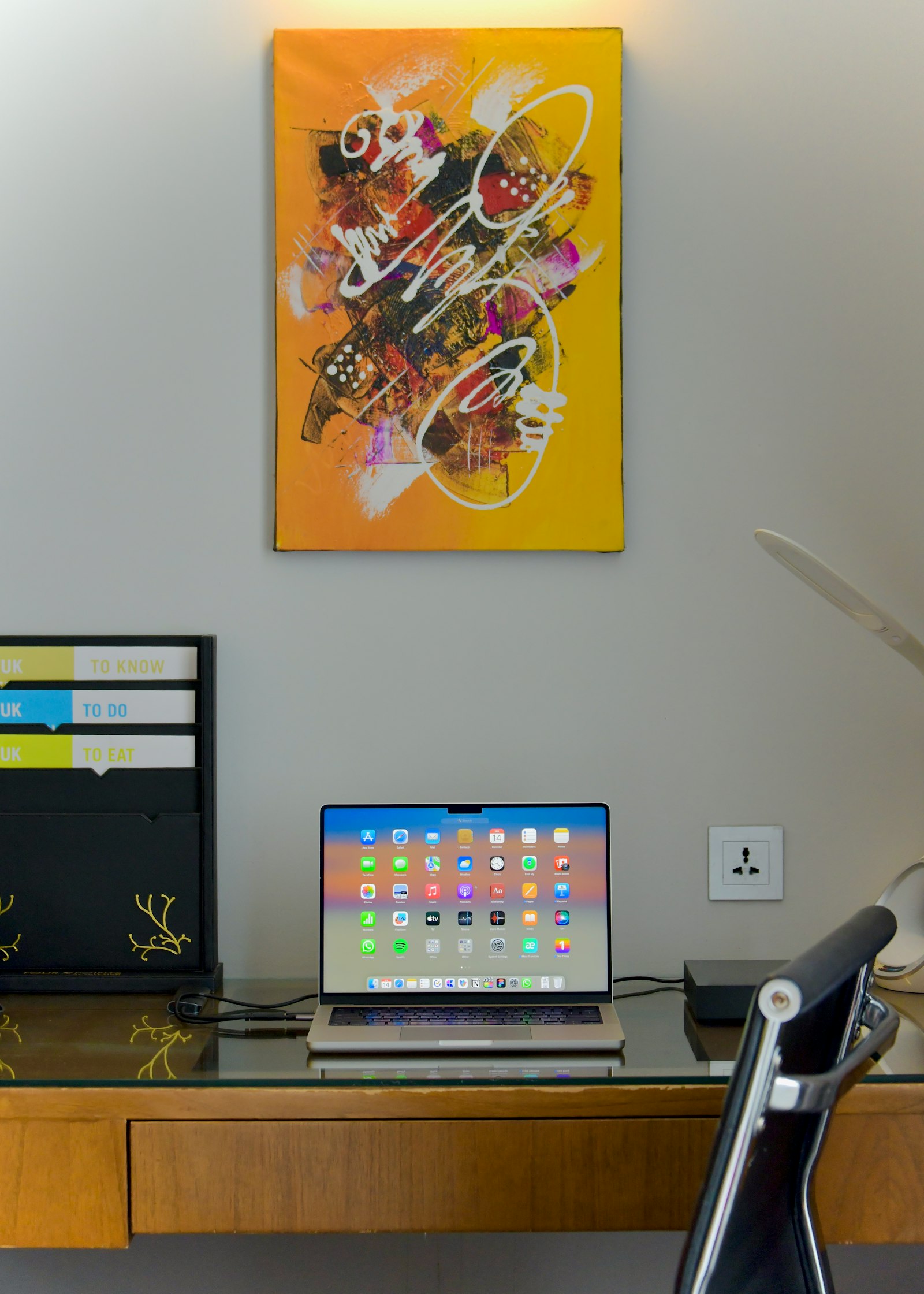

Apple released its fall software updates on Sept. 14: iOS 27, iPadOS 27 and macOS 27, also called macOS Golden Gate. If your business runs on Apple devices, those updates are already showing up on your team’s iPhones, iPads and Macs.
What’s New
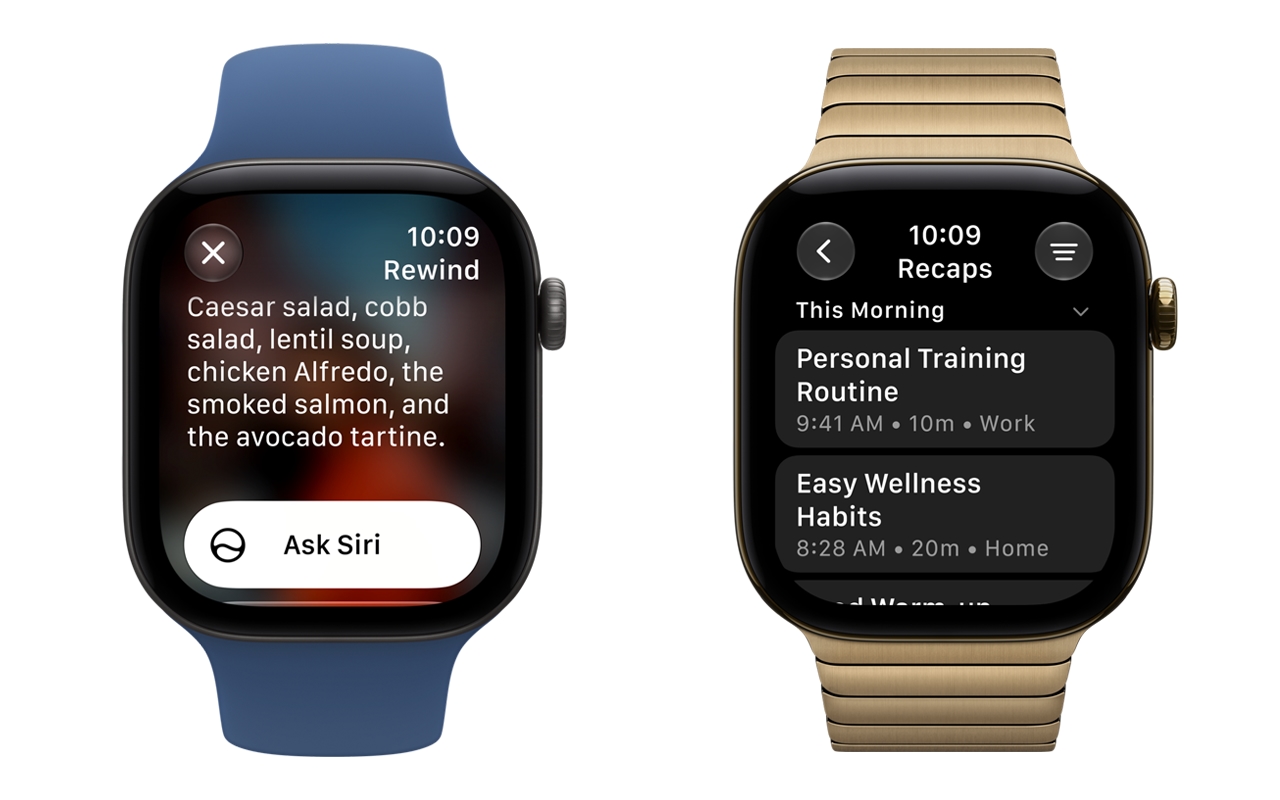
The headline feature is Siri AI, a redesigned and much more capable version of Siri. Apple also added new Apple Intelligence features across its apps and performance improvements that make many everyday actions faster.
iOS 27 works on iPhone 11 and later.
The Big One for Businesses: Intel Macs Are Left Behind
macOS 27 doesn’t run on any Mac with an Intel processor. It’s limited to Apple silicon Macs with an M1 chip or newer.
That doesn’t mean your Intel Macs stop working. Intel Macs that run macOS 26 Tahoe stay on it, and Apple said they’ll keep getting security updates for three years. But they won’t get new features, and they won’t move forward to future versions.
There’s one more change to know about. macOS 27 is the last major release to include Apple’s full Rosetta translation layer, which lets older Intel-built apps run on Apple silicon Macs. If your team relies on an app that hasn’t been updated for Apple silicon, now is the time to find out.
What to Do Now
You don’t need to update everything the day it comes out. A little planning goes a long way.
- Take inventory. Know which of your Macs are Apple silicon and which are Intel. Apple’s support page shows how to check: in About This Mac, Apple silicon Macs list a Chip, while Intel Macs list a Processor. Those Intel Macs are now on a clock.
- Check your key apps. Make sure the software your business depends on works with the new versions before everyone updates.
- Test first. Update a few devices, confirm everything works, then roll the update out to the rest of the team.
- Plan replacements. Use Apple’s three-year security window to budget for replacing Intel Macs, rather than scrambling later.
Staying current matters for security, too. Outstanding updates are one of the first things we look at in a security assessment, and they’re on our free Small Business Cybersecurity Checklist. While you’re taking stock of your hardware, it’s also worth making sure your equipment is protected from power fluctuations.
This is the kind of work we do. We help businesses deploy software updates, manage their Macs and iPhones, and plan what comes next, whether you need us as your full IT department or for a single project.
Not sure where your Macs stand? Book a call with Dave and we’ll help you sort out what to update, what to keep and what to replace.